
You opened Notion to clear your head. Forty minutes later, you were still deciding between a table view and a board view, auditing icon options, and wondering whether "Someday/Maybe" deserved its own database or just a tag. The mental clutter you sat down to empty out? Still there. Now it has company: a half-built system you feel vaguely guilty about.
If that sounds familiar, you are not doing Notion wrong. You are asking a wonderfully flexible tool to do a job that punishes flexibility. A brain dump has exactly one requirement: get thoughts out of your head faster than your brain can second-guess them. Notion can absolutely do that. But you have to set it up deliberately, because by default, Notion invites you to build instead of dump.
This guide gives you a Notion brain dump setup that actually works, a slightly more structured version if you want it, and an honest look at the point where a DIY system stops serving you.
Why Notion is a tempting home for your brain dump
Let's be fair to Notion, because it deserves it. It is one of the best tools ever made for building a personal knowledge base. Your notes, projects, wikis, reading lists, and trip plans can all live in one place, linked together, searchable, and shaped exactly how you think.
That is precisely why so many people try to brain dump there. It feels efficient: your thoughts land in the same workspace as everything else. And if you have never done a proper brain dump before, Notion's blank page is a perfectly good place to start.
The trouble is not capability. The trouble is that Notion's greatest strength, infinite customization, works directly against the one thing a brain dump needs: zero friction. So the goal of any Notion brain dump setup is to strip that flexibility away on purpose.
The simplest Notion brain dump that works
No databases. No properties. No template gallery. One page.
Here is the whole setup:
1. Make one page, top level
Create a single page called "Brain Dump" at the top level of your workspace, not nested inside anything. Give it an emoji you can spot instantly.
2. Add three headings
Inbox, This week, Someday. That is your entire structure.
3. Pin it for instant access
On desktop, add it to your Favorites so it sits at the top of your sidebar, and learn the quick-search shortcut (Cmd+P on Mac, Ctrl+P on Windows) so you can jump to it from anywhere in two keystrokes.
4. Put it on your phone's home screen
In the Notion mobile app, add a page widget for your Brain Dump page, or use the quick note widget if your setup supports it. Capture on mobile has to be one tap, or it will not happen.
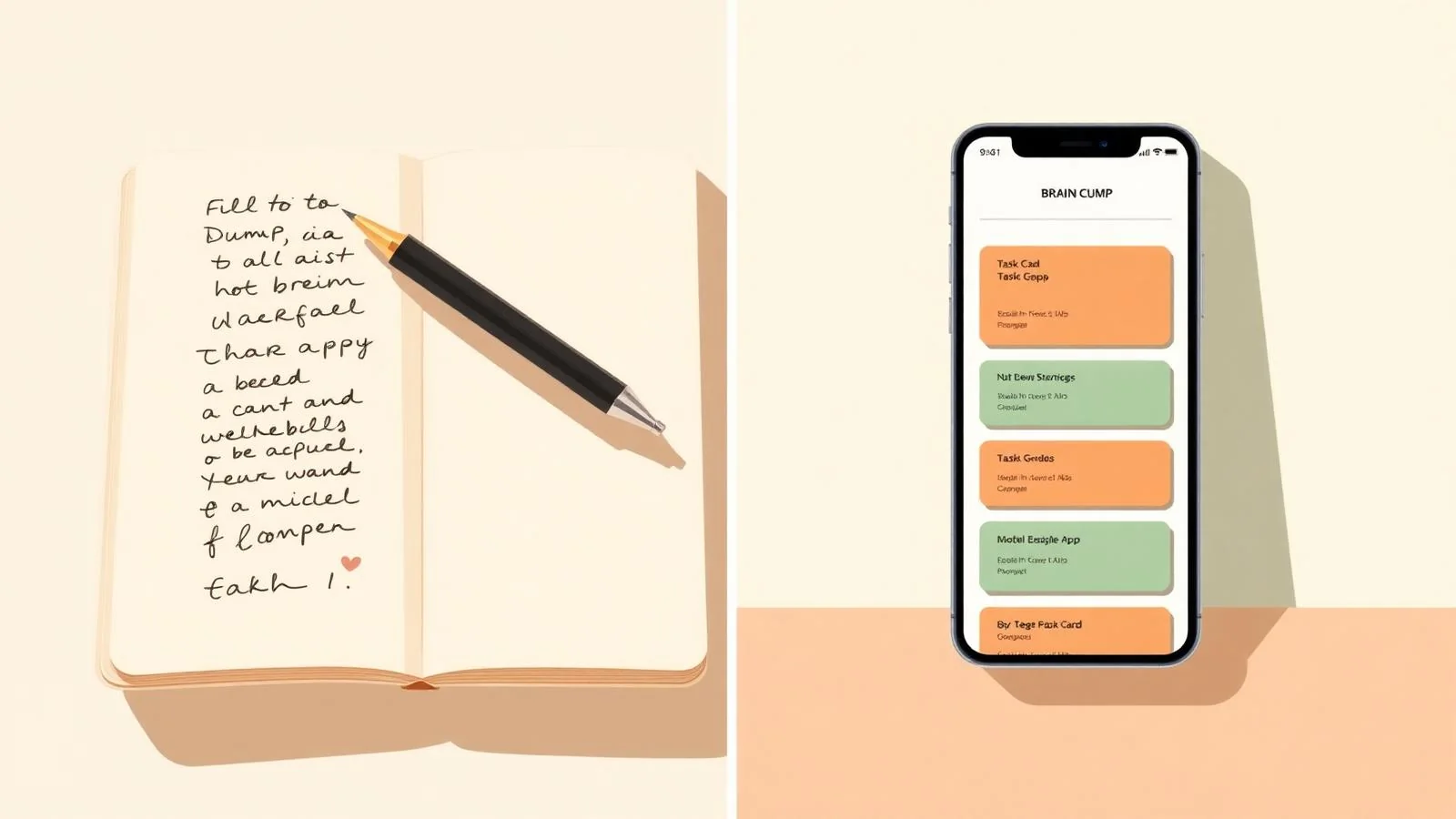
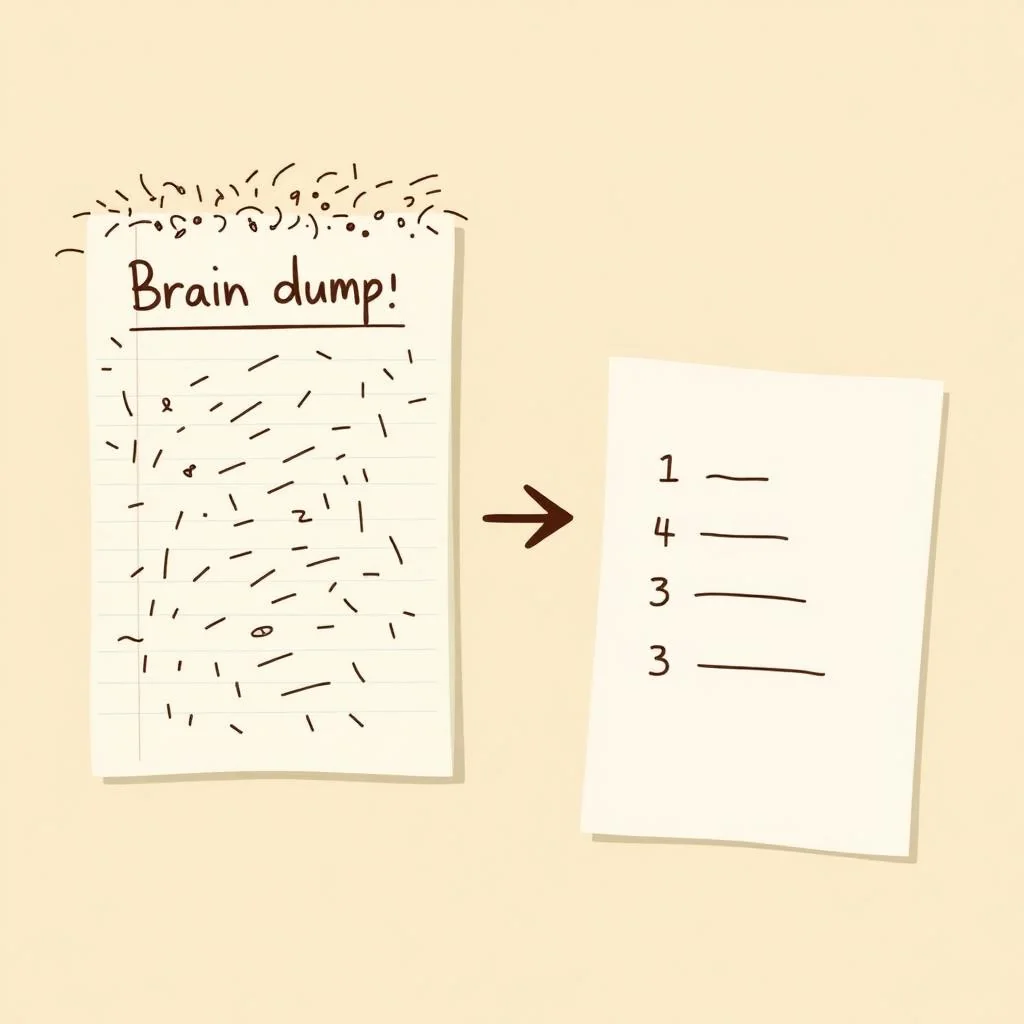
How to use it: everything goes under Inbox first. Do not sort while you dump. Write in fragments, misspell things, repeat yourself. The dump and the sorting are two different jobs, and mixing them is what makes your brain clam up mid-thought. If you want the full method, here is the five-step version.
Then, once a day or a few times a week, spend five minutes moving lines out of Inbox. Anything with a real deadline or consequence this week goes under This week. Anything that matters but not now goes under Someday. Anything that turns out to be noise gets deleted, and deleting is allowed. Encouraged, even.
That is the entire system. It fits on an index card, and that is the point.
A slightly more structured version
If plain text under headings feels too loose, here is the structured version. One database. Two properties. A hard ceiling.
Create one database called "Dump Inbox" with a default table view. Add a Status property with three options: Inbox, Active, Done, with new entries defaulting to Inbox. Add a Category property with a handful of broad options: Work, Home, Errands, Ideas. Keep it under six.
That is where you stop. No priority formula, no effort estimates, no date fields, no relations to your projects database, no rollups. Every property you add is a question your brain has to answer at capture time, and questions at capture time are how a brain dump dies.
Use it the same way as the simple page: capture everything into Inbox with the properties blank, then assign Status and Category later, in a separate sitting. If you find yourself designing a fourth property, close the laptop. You are no longer brain dumping. You are decorating.
This is also a genuinely good Notion brain dump template to copy for a team wiki or a shared household board. For a personal head-emptying practice, though, the single page usually wins, because it asks even less of you.
The Notion tax
Here is the uncomfortable part, and it applies to every DIY setup, including the two above.
Every single capture in Notion carries a small tax. Which page does this go on? Is it a to-do or a toggle? Should it be its own database entry? What status? What category? Each decision takes only a second or two, but capture habits do not die from big obstacles. They die from tiny ones, repeated hundreds of times. Research on habit formation is blunt about this: friction kills frequency. The heavier each capture feels, the fewer thoughts you capture, and the more your brain goes back to storing everything itself. That storage is exactly the mental load you were trying to put down.
And then there is the rabbit hole. Notion makes tinkering feel productive. You are in the app, you are organizing, dopamine is flowing. But rebuilding your dashboard is not the same as emptying your head, and deep down you know it. The customization rabbit hole is procrastination wearing a productivity costume. The forty minutes you spent choosing a database layout were forty minutes of avoiding the actual thoughts you sat down to face.
None of this makes Notion bad. It makes Notion a general-purpose tool, and general-purpose tools always charge a configuration tax. The only question is whether the tax is worth it for this particular job.
When you've outgrown the DIY setup
Some people run a single-page Notion brain dump happily for years. If that is you, wonderful, keep going. But watch for these signs, because they tend to arrive quietly:
You rebuild your system more often than you use it
If your last three Notion sessions were renovations rather than dumps, the system has become the hobby.
Capture takes more than five seconds
Open app, find page, choose block type, pick a property. If a stray thought cannot land in under five seconds, most stray thoughts will never land at all.
Your inbox database has 200 unprocessed rows
An inbox you never empty is not a system. It is a landfill with nice typography, and every glance at it adds a little dread.
You avoid dumping because sorting feels like homework
When the second job (organizing) starts blocking the first job (capturing), the whole practice stalls.
If two or more of those describe you, the problem is not your discipline. It is that you have been doing manual labor a tool could do for you. This is the human factor most productivity setups ignore: the best system is not the most powerful one, it is the one that asks the least of you at your most scattered moments.
A tool that does the sorting for you
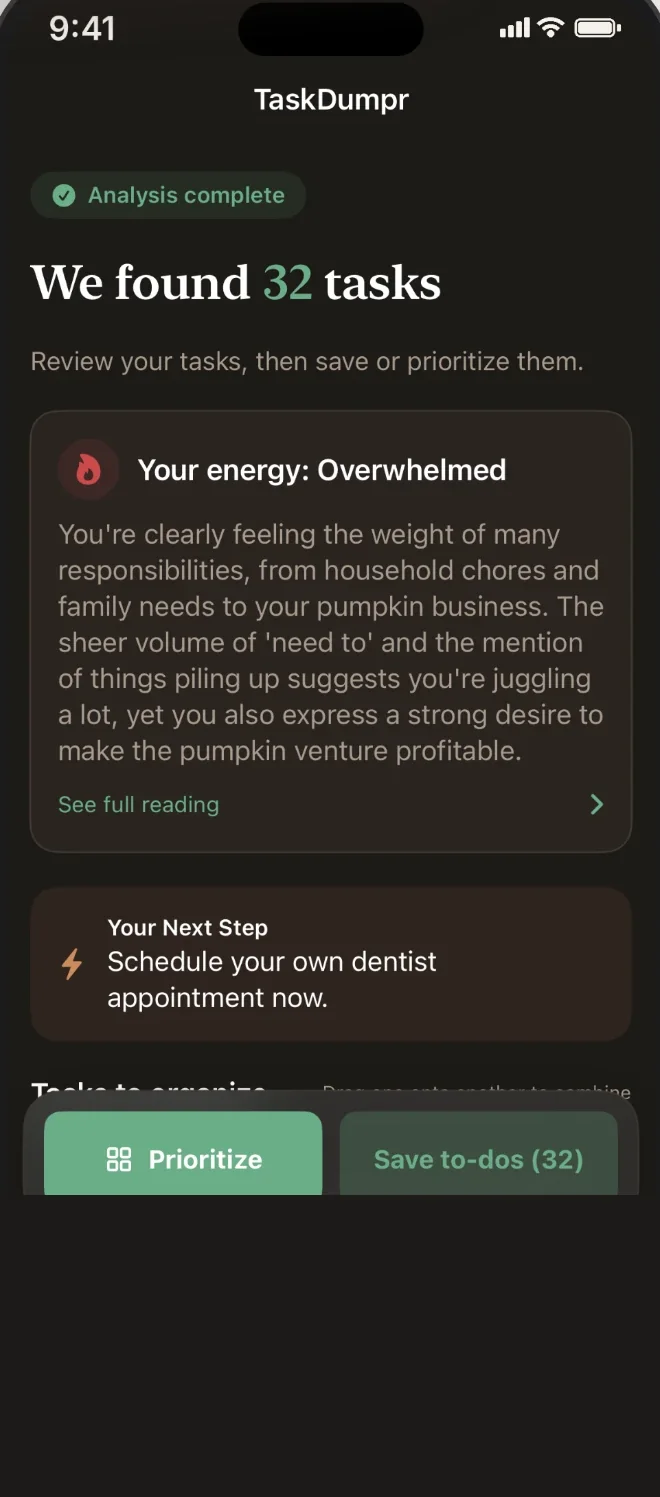
This is where a purpose-built app earns its place. TaskDumpr was designed around exactly one job: getting everything out of your head with as little friction as possible, then handling the organizing for you.
The capture step takes seconds. You talk or type, in whatever order your thoughts arrive, with voice input for the moments when typing feels like too much. There is nothing to configure first: no page to find, no properties to fill, no layout to choose. Then the sorting happens automatically. TaskDumpr runs your dump through an Eisenhower Matrix, separating what is urgent from what is merely loud, so you end up with a clear picture of what actually needs you this week instead of a wall of undifferentiated worry.
It also handles the thoughts that were never tasks in the first place. Half of what comes out in a brain dump is worry, regret, and things you cannot control, and no database property fixes those. TaskDumpr's release feature gives them somewhere to go, so letting go becomes part of the practice instead of an afterthought. And it is free to start, so trying it costs you nothing but one dump.
Try it with whatever is in your head right now.
No setup, no template, no account needed to see what comes out. Start a free brain dump.
To be clear, this is not an argument for deleting Notion. Keep Notion for what it is genuinely great at: documents, wikis, project plans, the shared knowledge of your life and work. Just stop asking it to also be the place where you empty your head at 11pm. Use a dedicated tool for the head-emptying part, and let each tool do the job it was built for.
Notion is where you build your second brain. A brain dump is how you rescue your first one.
Try TaskDumpr free
Empty your head in one go and let TaskDumpr split it into sorted, prioritized tasks. No card needed.
Start a free brain dump