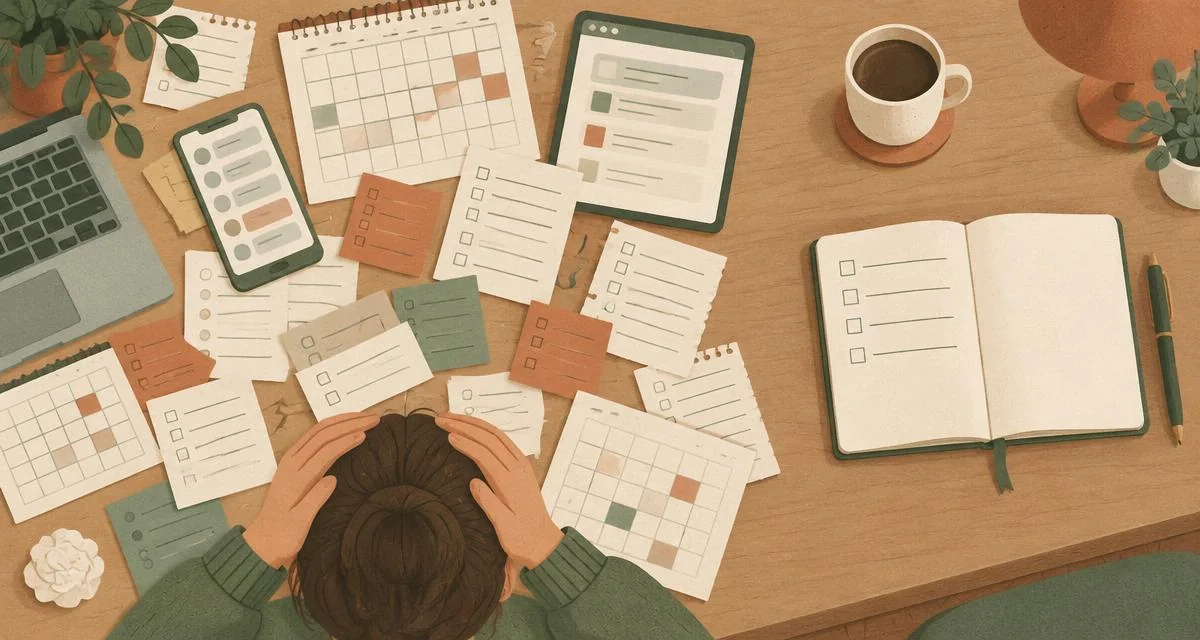
Todoist is excellent software. It syncs everywhere, it parses "every other Tuesday at 3pm" like magic, and millions of people run their lives on it happily. And yet here you are, searching for a Todoist alternative, because right now your list has 94 overdue items glaring at you in red, and opening the app feels less like getting organized and more like getting scolded.
Here is the thing nobody says out loud: the tool is not broken. You are not broken either. The fit is broken. Todoist is built for people who thrive on structure, projects, labels, and daily upkeep. If that is not you, no amount of trying harder will make it you. What you need is not more discipline. You need a tool shaped like your actual brain.
This guide covers six honest alternatives, including one that is not an app at all. But first, it helps to understand why Todoist overwhelms some people, because that tells you what to look for next.
Why Todoist overwhelms some people
Todoist assumes a few things about you, and if those assumptions do not hold, the experience degrades fast.
First, it assumes consistent upkeep. Todoist works beautifully when you review it daily, reschedule what slipped, and prune what no longer matters. Skip that maintenance for two weeks and you return to a wall of red. The app did not change. Your relationship with it did.
Second, there is the overdue guilt. Todoist shows overdue tasks in red, front and center, every time you open it. For structured users, that red is useful pressure. For overwhelmed users, it reads as a running tally of personal failure. Chronic stress impairs decision-making rather than sharpening it, which is the opposite of what a task manager should do. We have written before about how most productivity tools treat humans like machines, and this is a textbook case: the feature is rational, and the emotional effect is corrosive.
Third, infinite hierarchy invites over-organizing. Projects, sub-projects, sections, sub-tasks, labels, filters, priorities. For some people that flexibility is freedom. For others it becomes a second job: fiddling with the system instead of doing the work, then feeling guilty about the fiddling too.
None of this makes Todoist bad. It makes Todoist specific. So before you download its replacement, pause for one question.
First, ask what you actually need
Most people shopping for apps like Todoist are actually shopping for one of three different things, and mixing them up is how you end up overwhelmed again in six months.
Capture and relief
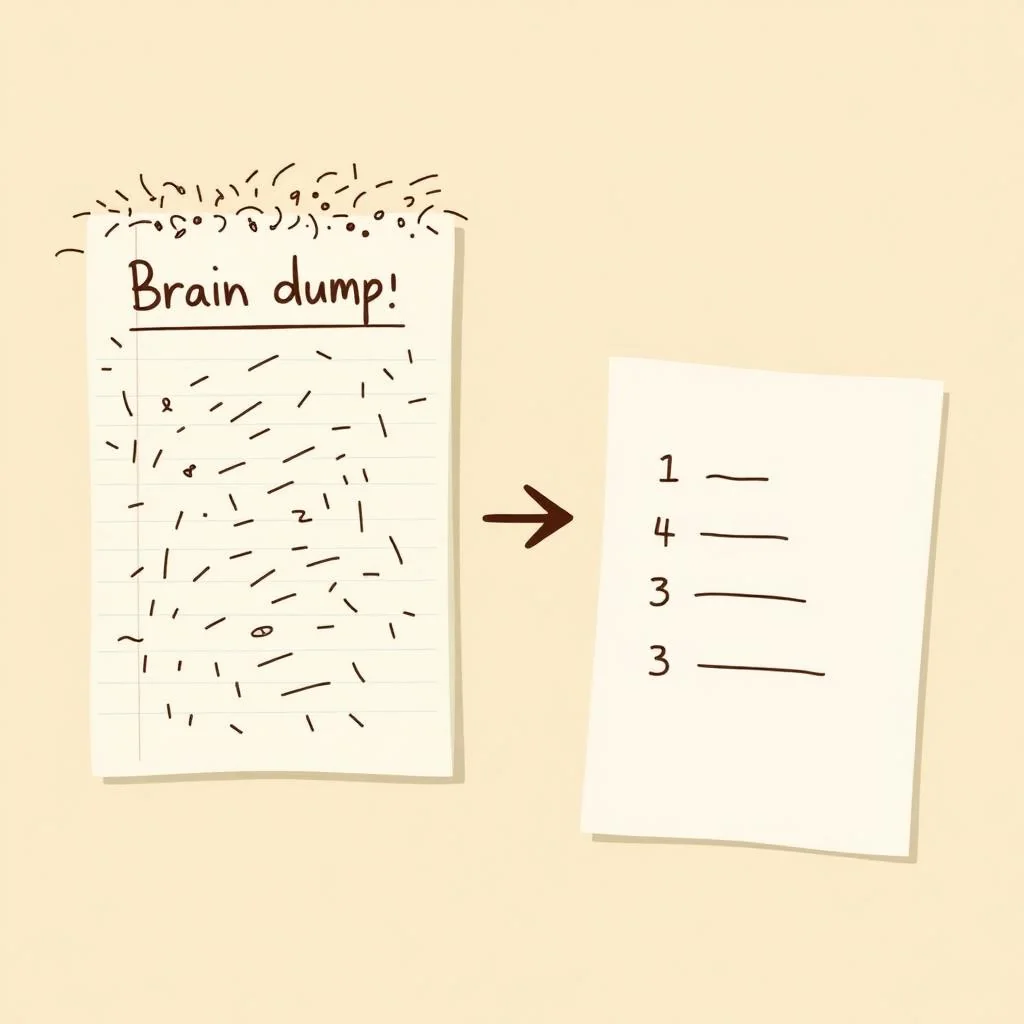
Your real problem is a full head. You need somewhere to put the noise, fast, so your mind can stop juggling. You do not need Gantt-chart ambitions. You need a brain dump.
Project management
You genuinely run multi-step projects with deadlines and dependencies. You need structure, and you should keep it, just maybe with softer edges.
Habit and routine tracking
You mostly need recurring reminders: take the medication, water the plants, send the invoice. That is a much smaller problem than Todoist is built to solve.
Be honest about which one describes you. Then pick accordingly.
1. TaskDumpr
Best if your real problem is a full head, not a missing feature.
Full disclosure: TaskDumpr is our app, so weigh this entry accordingly. But it exists precisely for the person described at the top of this post.
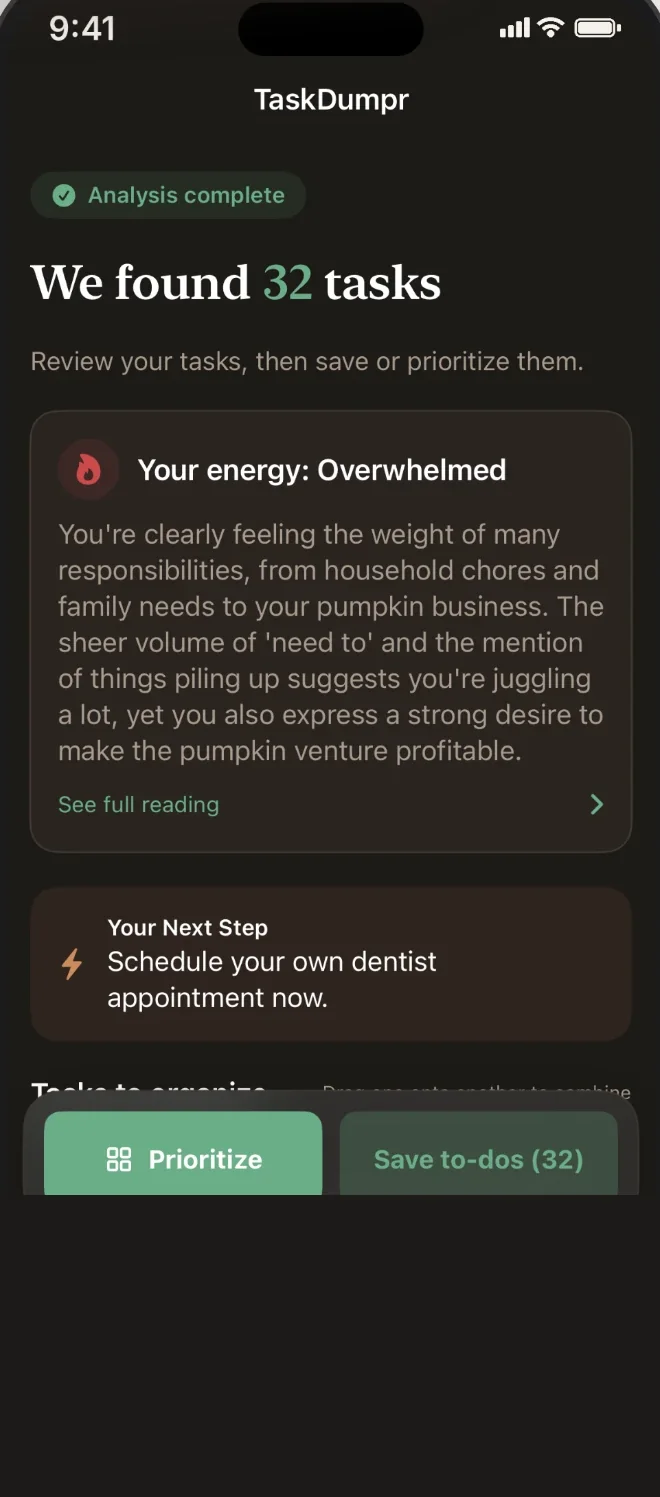
TaskDumpr starts from a different premise than Todoist. Instead of asking you to file tasks into the right project with the right label, it asks you to dump everything, by voice or by text, with no filter and no judgment. Then it does the organizing for you: your dump is automatically sorted into an Eisenhower Matrix (Do First, Schedule, Delegate, Eliminate), so you can see at a glance what actually matters versus what was just noise renting space in your head. You can export the resulting action plan to iOS Reminders or Notes if you want to act on it elsewhere.
The feature that most surprises former Todoist users is Let Go. Some of what clutters your mind is not a task at all. It is a worry, a regret, a thing you cannot control. Todoist has no answer for those except an awkward task called "stop stressing about the thing." TaskDumpr gives them a dedicated space to be acknowledged and released, because letting go is a legitimate productivity outcome.
Honesty requires the flip side: TaskDumpr is not a project manager. There are no team workflows, no shared projects, no complex recurring schedules. If you need those, it is the wrong tool, or at most a companion to one.
Bottom line: Free to start (3 brain dumps and 3 Let Go sessions a week), with a premium plan for unlimited use. On iPhone and the web.
2. Things 3
Best if you want a calm, beautiful task manager and you live entirely on Apple devices.
Things 3 is what many overwhelmed Todoist users are actually picturing when they imagine a gentler life. It is genuinely lovely: quiet design, generous whitespace, and thoughtful details like the Today list and a built-in Someday area for tasks you are not ready to commit to. Crucially, overdue items do not scream at you. Things nudges rather than nags, and that difference in emotional temperature is bigger than it sounds.
The tradeoffs are real. It is Apple-only: no Android, no Windows, no web app. There is no collaboration, so shared grocery lists are out. And you pay separately per platform, one time, which feels steep up front but often works out cheaper than years of subscriptions.
Bottom line: Roughly $50 for Mac, $20 for iPad, $10 for iPhone, each a one-time purchase. No subscription, ever.
3. TickTick
Best if you like what Todoist does and just want it to be kinder about it.
TickTick is the closest feature match to Todoist on this list: natural language input, projects, tags, filters, cross-platform sync, the works. If your problem is not the model but the mood, TickTick is the lowest-friction switch you can make.
Where it differs is temperament. TickTick bundles in a calendar view, a Pomodoro timer, and a habit tracker, so routines do not have to masquerade as tasks. Overdue items are handled with a bit more grace, and the Eisenhower Matrix view (on the premium plan) gives you a built-in way to ask "does this even matter?" instead of just "is this late?"
The caution is that TickTick has just as many knobs as Todoist, arguably more. If your failure mode is over-organizing, all those features are the same trap with different wallpaper.
Bottom line: Solid free tier; premium is about $36 per year, cheaper than Todoist Pro.
4. Sunsama
Best if you want a guided daily planning ritual rather than a task warehouse.
Sunsama takes a stance most task apps refuse to take: you cannot do everything, so plan a reasonable today and make peace with it. Each morning it walks you through choosing tasks, estimating how long they will take, and gently confronting you when you have planned fourteen hours of work into an eight-hour day. Each evening there is a shutdown ritual. Unfinished tasks roll forward without turning red.
It pulls in tasks from other tools, including Todoist and your calendar, so it can sit on top of an existing system rather than replacing it. For people whose overwhelm comes from overcommitting, that daily reckoning is genuinely therapeutic.
The obvious catch is price. Sunsama costs more per month than most apps here cost per year, and there is no free plan beyond the trial. You are paying for a ritual, not just software. Some people find that worth every penny. Many will not.
Bottom line: About $16 per month billed annually ($20 monthly). 14-day free trial.
5. Microsoft To Do
Best if you want simple, free, and no drama.
Microsoft To Do is one of the most underrated task apps available. It inherited the best idea from the beloved Wunderlist it replaced: the My Day list, which starts empty every morning. Yesterday's unfinished tasks do not carry over automatically or glow red. You choose, each day, what today gets to contain. That single design decision removes most of the guilt mechanics that make Todoist heavy for some people.
Beyond that it is deliberately plain: lists, due dates, reminders, subtasks, sharing with family, sync across every platform including Android and Windows, plus natural Outlook integration. What it lacks is depth: no labels, no filters, no natural-language wizardry, no real project structure.
For a lot of overwhelmed people, that lack of depth is the feature.
Bottom line: Completely free, no premium tier, all platforms.
6. Paper and a weekly reset
Best if apps themselves have become the problem.
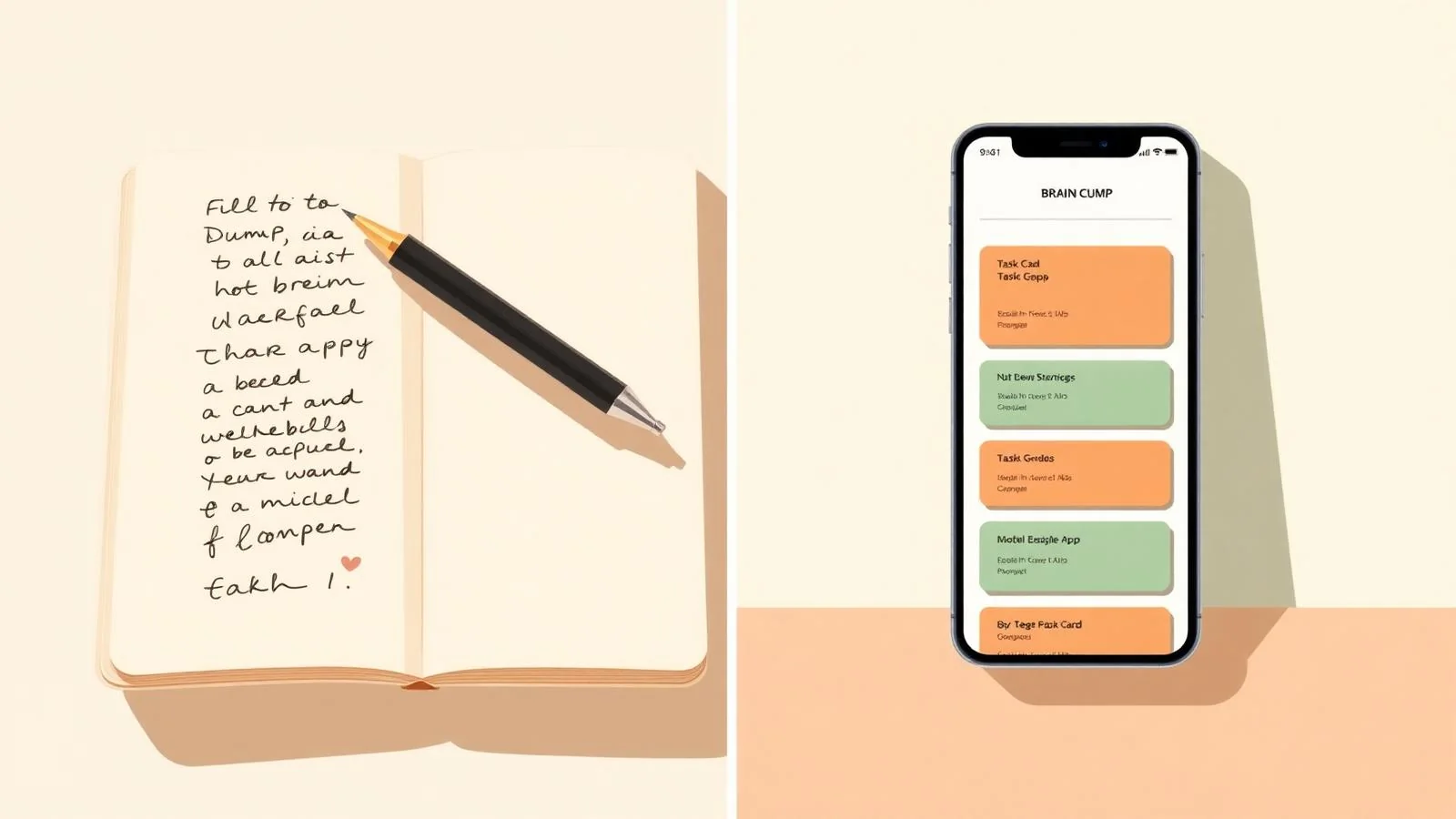
This is a legitimate alternative, not a joke entry. A notebook has properties no app can replicate: it never syncs a notification, it never shows a badge count, and it physically cannot display 94 overdue items in red. Writing by hand is slower, and that slowness acts as a natural filter. Things that are not worth the ink tend not to get written down.
The failure mode of paper is staleness, and the fix is rhythm: once a week, sit down, review the pages, carry forward what still matters, and consciously drop what does not. We have written a full guide to the 10-minute weekly reset if you want a structure for it. Plenty of people also land on a hybrid: paper for daily working memory, a simple app for reminders that must fire at a specific time.
Bottom line: The cost of a notebook and a pen. The weekly reset costs thirty minutes and pays for itself.
How to switch without losing your mind
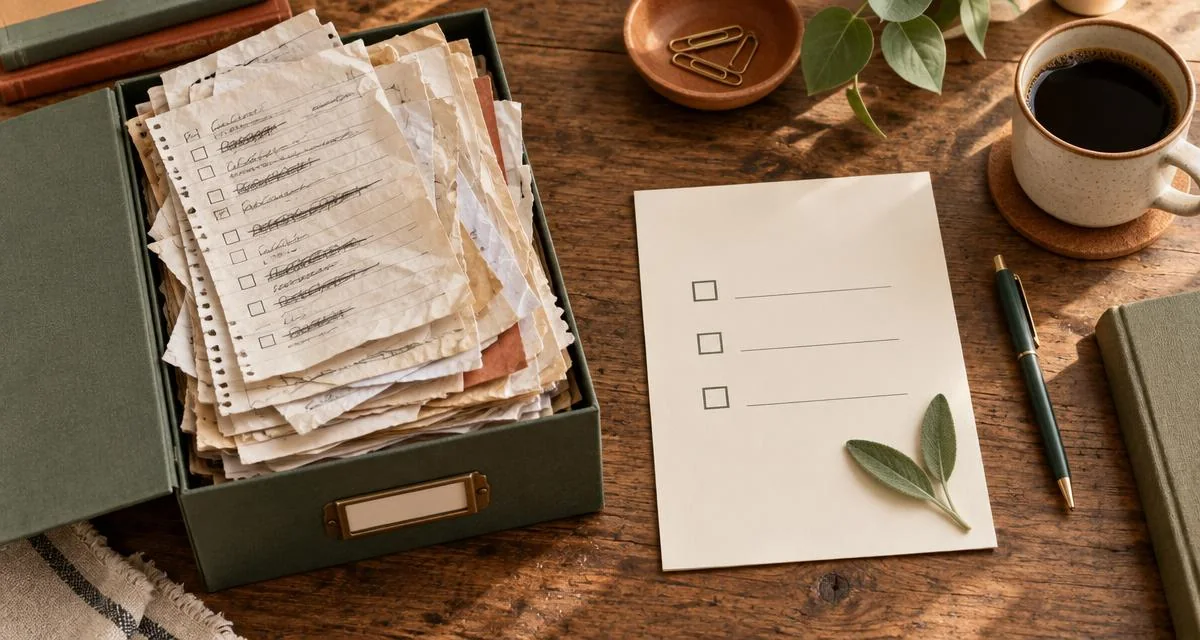
Whatever you choose, please do not migrate your 400 Todoist tasks into it. That backlog is not your to-do list. It is an archaeological record of ambitions, obligations, and guilt, and importing it just moves the weight to a new room.
Instead, export or archive your Todoist data somewhere safe, so nothing is truly lost and your brain can relax about it. Then open your new tool and brain dump fresh: everything actually on your mind, today, this week, this season. What matters will resurface, because important things always do. What does not resurface was finished, expired, or never really yours to carry. The backlog was a big part of the problem. Do not pack it for the move.
The tool should carry the weight, not add to it
If Todoist works for you, keep it, sincerely. But if you have spent months feeling like you are failing at your own task manager, consider that you were never failing. You were using a tool designed for a different kind of mind and grading yourself against its assumptions.
A good system is not the one with the most features or the prettiest matrix. It is the one that leaves your head quieter after you use it than before. Stop looking for an app you can finally live up to. Look for one that meets you where you already are.
Do a free brain dump now and see what your head actually looks like once it is out. No signup needed to start.
Try TaskDumpr free
Empty your head in one go and let TaskDumpr split it into sorted, prioritized tasks. No card needed.
Start a free brain dump