
Let us get one thing straight first: Goblin Tools is wonderful. Its standout feature, Magic ToDo, takes a task that feels like a mountain, such as “deal with taxes” or “clean the garage,” and breaks it into small, doable steps. Tap the magic wand and “clean the garage” becomes six concrete actions. Tap again on any step that still feels too big, and it breaks down further.
It was built with neurodivergent brains in mind, the web version is free, and for many people it was the first productivity tool that felt like it was on their side.
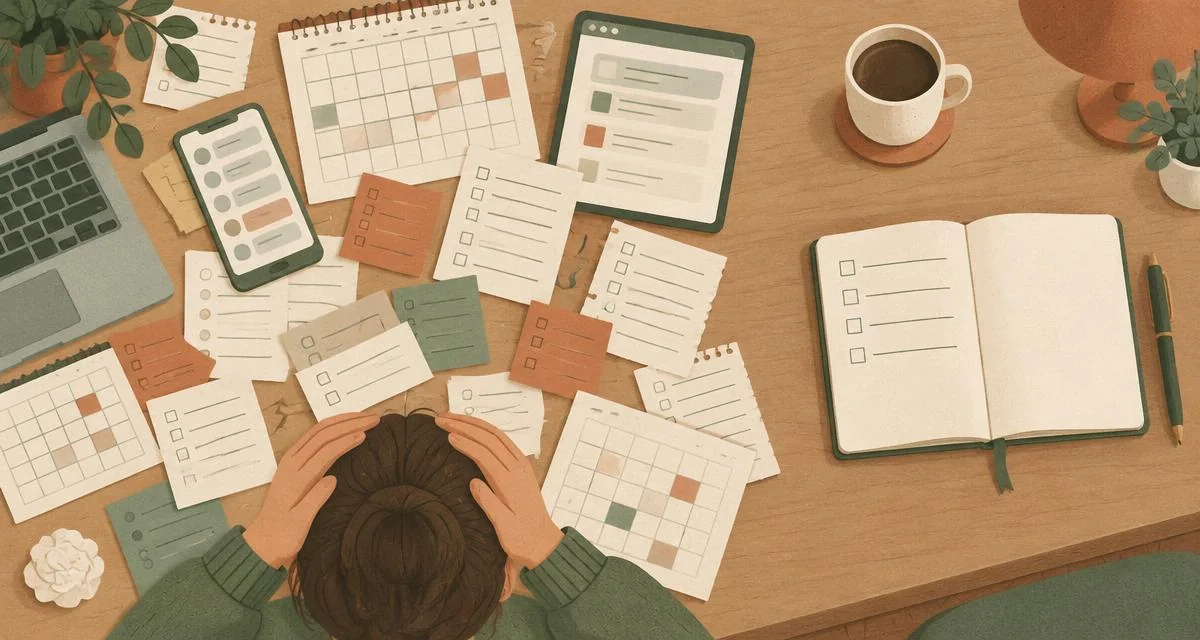
So why search for a Goblin Tools alternative? Usually not because Goblin Tools failed you. Usually because it did its one job so well that you noticed everything around that job. Nothing reminds you to do the steps. Nothing tells you which of twelve broken-down tasks matters most. Nothing helps with the swirling, everything-at-once feeling that made the tasks overwhelming in the first place. Breakdown is one piece of the puzzle. This list is for when you want more pieces.
Fair warning: none of these apps replaces Goblin Tools outright, and every entry says what the goblins still do better. Some people will keep Goblin Tools and add one of these, which is a perfectly good outcome at these prices.
What I looked for
People who love Goblin Tools tend to share a situation: an overwhelmed brain, often ADHD or anxious, that needs the tool to do some of the thinking. Every alternative here was judged on three things:
- Does it reduce cognitive work, or add it? Apps that hand you a blank canvas and a settings maze did not make the cut.
- Gentleness. No guilt mechanics and no aggressive red badges shaming you for yesterday. Overwhelmed brains do not need a drill sergeant.
- What it adds beyond breakdown. Prioritization, scheduling, reminders, or motivation: the missing pieces people go looking for.
Cost matters too. For context, the Goblin Tools website is free. The mobile apps are low-cost one-time purchases, with the iOS app currently listed at $1.99 and Android pricing varying by market. Goblin Tools Pro is $3 per month with a one-week trial and adds cross-device sync, history, templates, and custom instructions. So an app near $10 per month needs to earn it. I flag the free options for anyone searching for free Goblin Tools alternatives.
1. TaskDumpr
Best for: When the problem is not one big task but everything at once, and you need help deciding what matters.
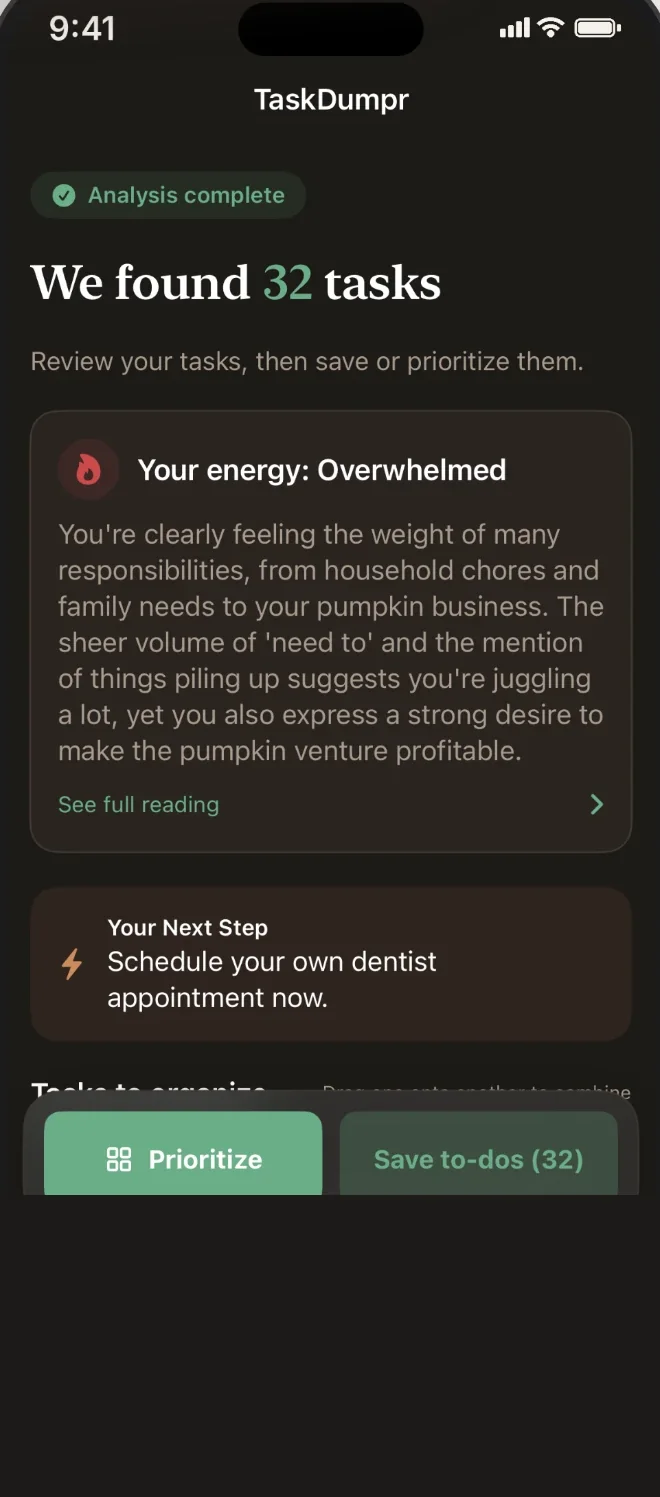
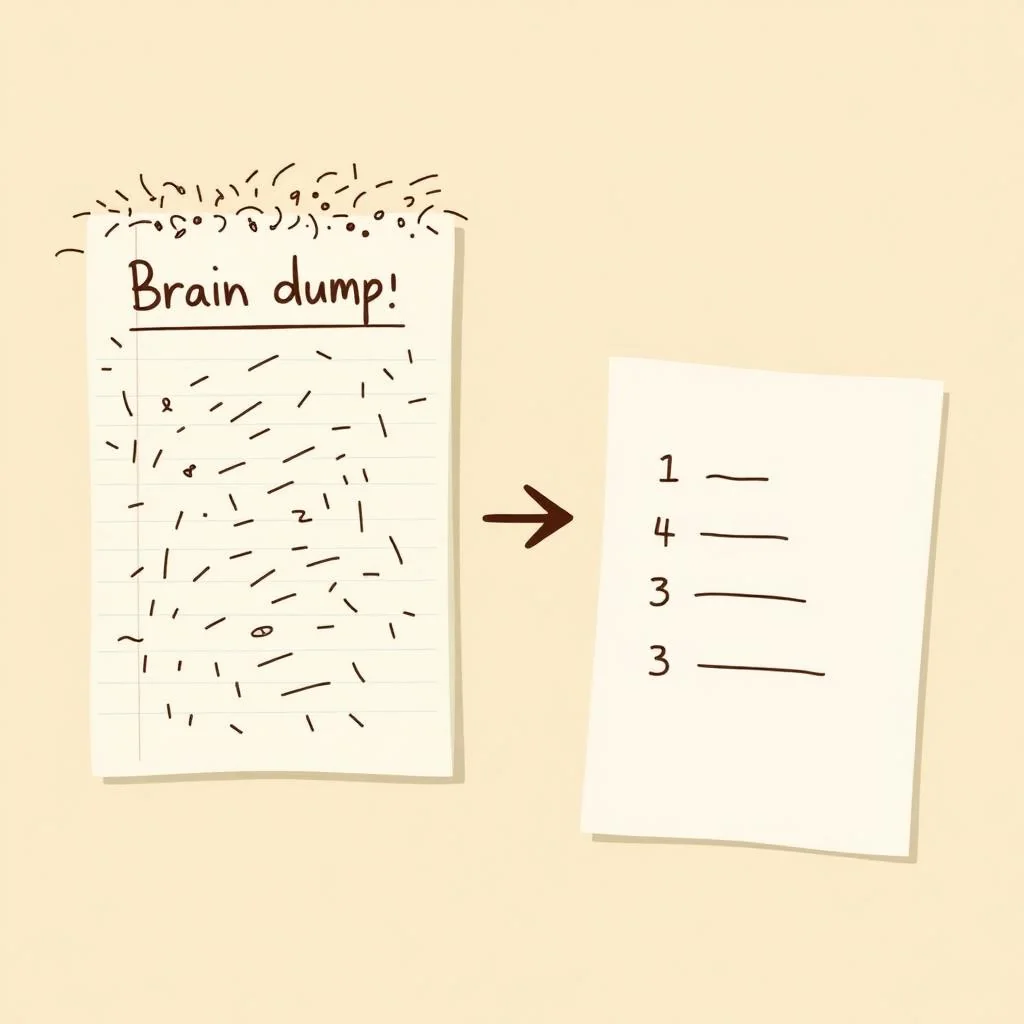
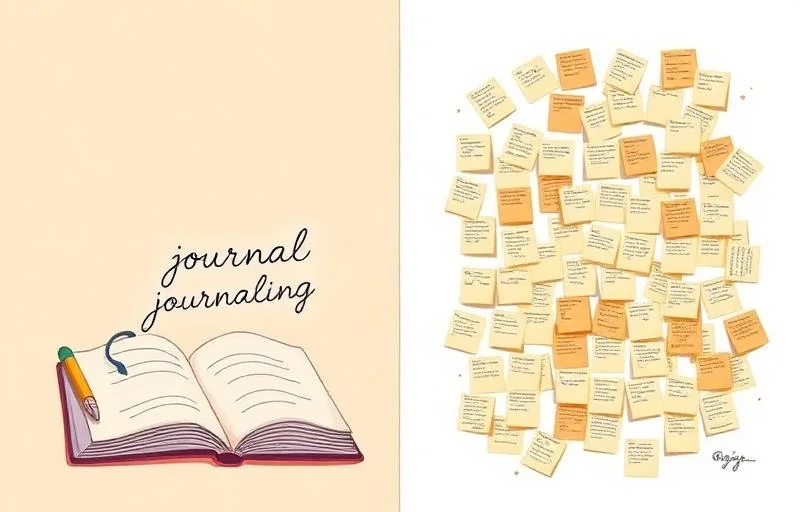
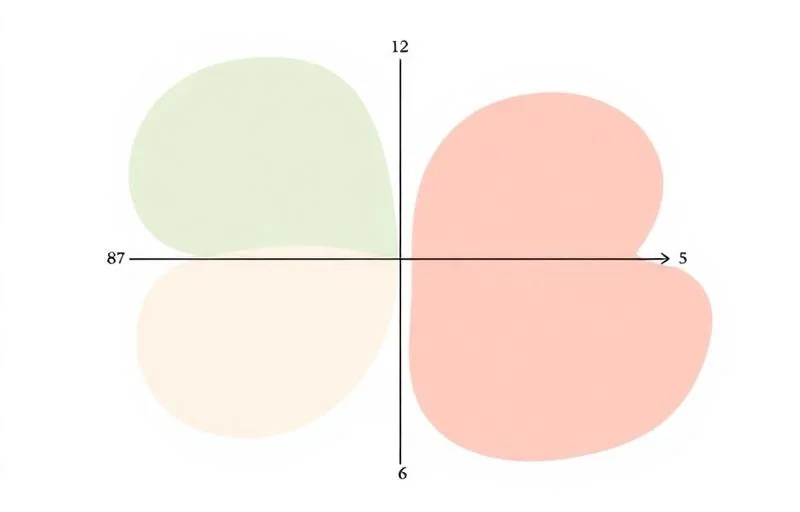
Goblin Tools answers “how do I do this task?” TaskDumpr answers the question that comes before it: “which of the 60 things in my head should I even be doing?” You dump everything on your mind by voice or text, with no filter or tidy phrasing required, and TaskDumpr sorts it into an Eisenhower Matrix: do first, schedule, delegate, eliminate. You do zero categorizing. The overwhelm of a full head becomes four buckets and an obvious starting point, which is exactly the kind of thinking-done-for-you that made Magic ToDo feel like magic. If the dump-first approach is new to you, our guide to what brain dumping is explains why it works so well for overloaded brains.
The feature Goblin Tools has no equivalent for is Let Go. A lot of what clogs an overwhelmed brain is not tasks at all: worries, regrets, and things you cannot control. TaskDumpr gives you a dedicated way to release those instead of letting them masquerade as to-dos. When you are done, you can export your prioritized plan to iOS Reminders or Notes and work from there.
Honest limitations: TaskDumpr is not a project manager. Goblin Tools still does a better job of breaking one task into steps. TaskDumpr tells you that “renew passport” is urgent and important. Goblin Tools tells you the five steps that renewing a passport involves. They are genuinely complementary.
Bottom line: Free to start with 3 brain dumps and 3 Let Go sessions per week. Premium removes those limits. On iPhone and the web, with exports to iOS Reminders and Notes.
2. Tiimo
Best for: Turning your day into a visual, gentle schedule you can actually follow.
Tiimo is a visual daily planner designed by and for neurodivergent people, and it solves the step after Goblin Tools: you know the steps, but when do you do them, and how do you avoid losing the afternoon to one? Your day becomes a colorful timeline with icons, and a visual timer keeps the current activity in view as time passes. That ambient “here is where you are in your day” awareness is something list apps rarely give you, and for time-blind brains it can be quietly life-changing. Its planning assistant can also break activities into checklist steps, so it overlaps with Magic ToDo more than most apps here.
The limitation is setup. Building routines and planning your day takes ongoing effort, and if your executive function is at zero, maintaining the plan can become another task you avoid. It is also structured around time and routine, so it helps less with the unscheduled chaos of “everything I need to do someday.” The free experience is mobile-focused, while planning tools across web and desktop, the planning assistant, and fuller focus features sit in Pro.
What Goblin Tools still does better: instant, zero-setup help. You can be a stranger to Goblin Tools and get value in 20 seconds. Tiimo pays off over weeks, not seconds.
Bottom line: Limited free mobile version. Pro is $7.99 per month or $79.99 per year, with a 7-day annual trial. A family plan for up to 5 people is $119.99 per year. Available on iOS, iPad, Apple Watch, Android, Mac, and web.
3. Finch
Best for: Motivation and gentle structure when the hard part is starting at all.
Finch comes at overwhelm from a different angle. Instead of organizing your tasks, it makes you want to do them. You care for a little virtual bird that grows as you complete self-care tasks and goals. Do the thing, your bird thrives, and the app celebrates you with a softness that most productivity tools cannot fake. For brains where the blocker is not “I do not know the steps” but “I cannot make myself begin,” that tiny external motivation can genuinely move the needle. It is one of the most loved gentle-productivity apps in ADHD and mental health communities.
Be honest with yourself about what it is, though. Finch is a habit and self-care companion, not a task manager. It will not break down your tax paperwork, prioritize your work projects, or manage the dentist appointment in a serious way. Complex to-dos do not fit its cozy format. Gamification also cuts both ways: if the pet-care mechanic stops charming you, the engine loses power.
What Goblin Tools still does better: the actual thinking work. Finch motivates you toward tasks you already understand. Goblin Tools makes incomprehensible tasks understandable. Plenty of people use Finch for the emotional layer and Goblin Tools for the cognitive one.
Bottom line: Genuinely useful free version. Finch Plus is $9.99 per month or $69.99 per year. Available on iOS and Android.
4. ChatGPT
Best for: DIY types who want flexibility and do not mind steering the tool themselves.
Everything Magic ToDo does, ChatGPT can do if you ask it well. “Break ‘move apartments’ into steps, then break step 3 down further, and assume I have ADHD and low energy this week” can produce genuinely useful results. You can add context such as your deadline, energy level, or dislike of phone calls. It can estimate time, draft the scary email, and prioritize a whole list, which makes it the closest thing to every goblin in one place. On the free tier, it may be the strongest answer to “free apps like Goblin Tools” on raw capability.
The catch is that you are the interface. There is no wand button. Each session asks you to open it, explain what you need, and move the result somewhere useful. It does not turn that output into a dependable task system or check in tomorrow. When you are already overwhelmed, that friction is often the exact thing that stops you. Tools with one obvious button exist precisely because blank text boxes are hard on hard days.
What Goblin Tools still does better: being effortless. One purpose, one button, zero prompting skill required. Goblin Tools is a general assistant with the decisions already made for you, and on a bad brain day, decisions are the expensive part.
Bottom line: Free tier available. ChatGPT Plus is $20 per month. Available on web, iOS, and Android.
5. TickTick
Best for: When you are ready for a full task manager with reminders that actually nudge you.
Many Goblin Tools users eventually hit the same wall: the steps exist, beautifully broken down, and then nothing reminds you to do them. TickTick is a natural next step. It is a full task manager with an excellent capture-to-reminder flow: natural language input, recurring tasks, subtasks for your breakdowns, calendar tools, habits, and a Pomodoro timer for starting. Among heavyweight task managers, it is one of the friendlier options for ADHD brains. Its free tier includes up to 9 lists with 99 tasks per list, reminders, sync, and limited Pomodoro and habit use.
The trade-off is that TickTick does little of the thinking for you. You write the tasks, set priorities, and build the structure. Premium expands calendar, habit, and focus features, but even then the system is yours to maintain. Full task managers also carry a familiar risk for overwhelmed brains: the app becomes another project, and the overdue list becomes another source of guilt. If long red lists spike your anxiety, read our guide to to-do list anxiety before committing to a heavyweight system.
What Goblin Tools still does better: the moment before the task list. TickTick manages tasks you have already figured out. Goblin Tools, or a brain dump, gets them figured out. A strong budget pairing is Goblin Tools for breakdown plus TickTick for tracking.
Bottom line: Solid free tier. Premium is $35.99 per year, about $2.99 per month when billed annually. Monthly pricing can vary by platform and market. Available on iOS, Android, web, Mac, and Windows.
How to choose
Start from what Goblin Tools is not doing for you:
- “I can break tasks down, but I have no idea what to work on first.” Choose TaskDumpr. Dump everything, let it prioritize, and release the non-tasks.
- “I lose track of time and my days evaporate.” Choose Tiimo, and give the setup a fair two weeks.
- “I know exactly what to do. I just cannot start.” Choose Finch. Let the bird carry you.
- “I want one flexible tool and I enjoy tinkering.” Choose ChatGPT, with a saved breakdown prompt you can reuse.
- “I need reminders, deadlines, and a real system.” Choose TickTick, kept deliberately simple.
If the honest answer is “the breakdown is the only part I struggle with,” you do not need an alternative. Keep Goblin Tools, spend your money on snacks, and close this tab guilt-free.
Why TaskDumpr stands out
Of everything here, TaskDumpr is the most direct answer to the feeling underneath the search. Goblin Tools helps once you know which task to hand it. TaskDumpr is for the ten minutes before that, when your head is a shaken snow globe of tasks, worries, and half-thoughts, and picking one is impossible. You speak or type all of it, it sorts the real tasks into priorities using the Eisenhower Matrix, and Let Go handles the thoughts that were never tasks at all. Then you export the plan and work from the top, with Goblin Tools on standby for any step that still feels like a mountain.
It is not a project manager, it will not remind you about Thursday, and the free tier is deliberately small. But if overwhelm is the problem, it treats the cause rather than only the symptom.
Try TaskDumpr free: 3 dumps and 3 Let Go sessions per week, no credit card, and your first one takes about five minutes. The goblins would approve.
Frequently asked questions
What is the best Goblin Tools alternative?
The best alternative depends on the missing piece. TaskDumpr is strongest for sorting a crowded mind by priority, Tiimo for visual scheduling, Finch for gentle motivation, ChatGPT for flexible help, and TickTick for reminders and task tracking.
Are there free apps like Goblin Tools?
Yes. TaskDumpr, Finch, ChatGPT, and TickTick all offer free access, while Tiimo has a limited free mobile version. Goblin Tools itself remains free on the web.
Can TaskDumpr replace Goblin Tools?
They solve different parts of overwhelm. TaskDumpr turns everything in your head into a prioritized plan, while Goblin Tools is better at breaking one large task into smaller steps. Many people may find the two useful together.
Which Goblin Tools alternative is best for ADHD?
Choose around your main point of friction. TaskDumpr helps with mental overload and prioritization, Tiimo supports time awareness, Finch makes starting gentler, and TickTick adds reminders and deadlines.
Keep reading
Prices checked September 22, 2026 against available first-party pricing and app-store pages. Subscription pricing changes often, so confirm before you buy.
Try TaskDumpr free
Empty your head in one go and let TaskDumpr split it into sorted, prioritized tasks. No card needed.
Start a free brain dump